EXCEL REPORT AUTOMATION · 9 MIN READ
Why Excel Is Still Everywhere in Technical Field Reporting
Excel persists in technical reporting for practical reasons. It can be a calculation tool, a customer-specific form, a printable deliverable and a portable file all at once. The inefficiency often appears in the manual work required to get field evidence into it.
For the underlying technical principles, Microsoft's Open XML technical documentation describes workbook structures and formulas, while NIST's metrological traceability guidance explains documented measurement relationships. These sources describe the underlying concepts, not ACTUALin performance.
Published October 3, 2026 · ACTUALin Technical Resources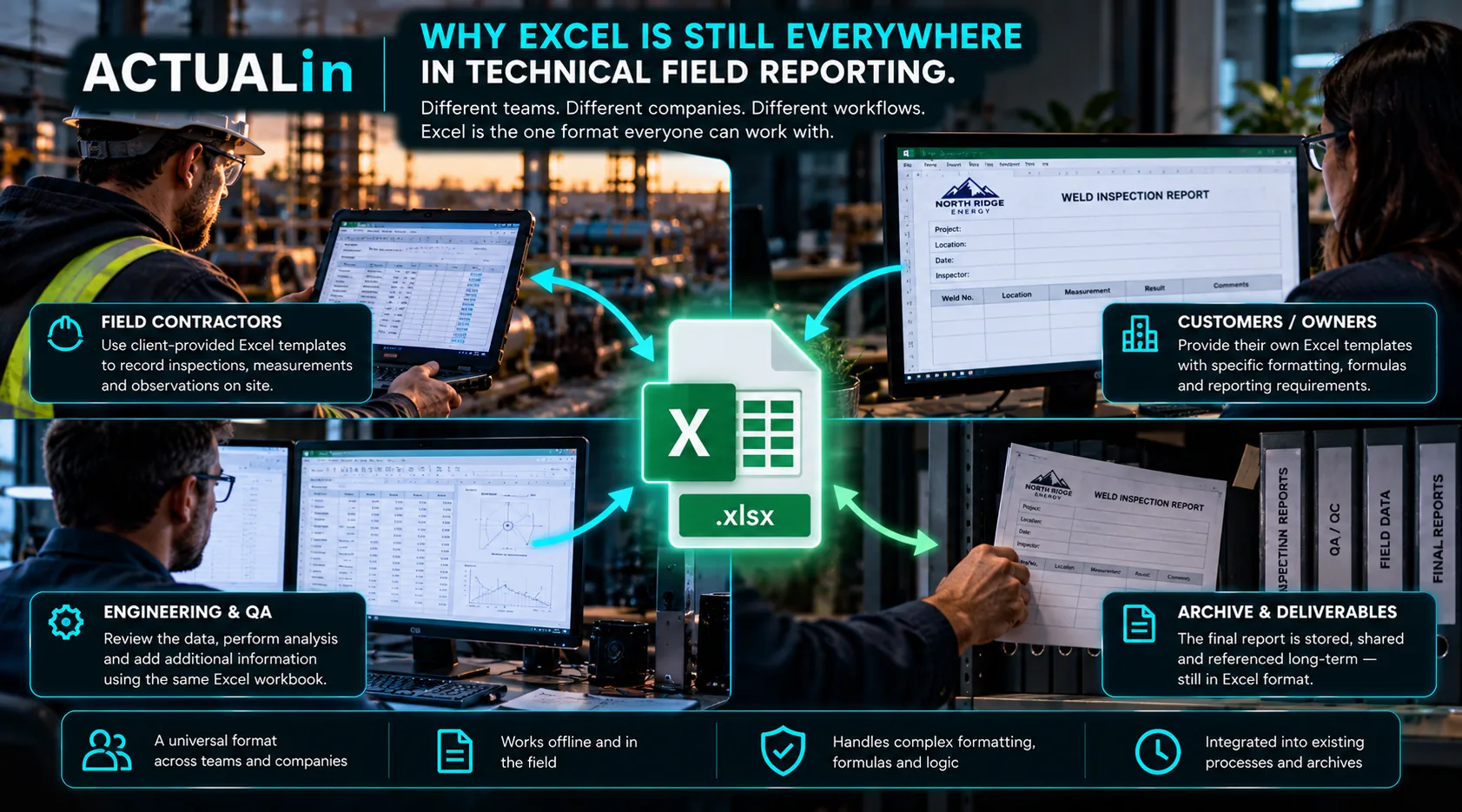
Excel persists in technical field reporting for practical reasons. A single workbook can function as a field form, a calculation tool, a review document and the final file a customer expects. Replacing it may make sense, but its continued use is not always a sign that a team has failed to modernize.
The more revealing question is what the workbook does for the people who prepare and receive it, and which of those functions would need to survive a change in software.
One document serving several jobs
Consider an illustrative technical inspection workbook. It contains rows for measurements, formulas for calculated results, areas for comments, a customer logo and print settings designed for a particular deliverable. The customer may also supply the template, leaving the reporting company limited freedom to redesign it.
That workbook is not merely a place to type numbers. It combines a document format, operational conventions and some calculation behavior. A replacement needs to account for those features, not just reproduce its visible headings.
The Microsoft Open XML spreadsheet documentation describes the underlying workbook structures, including worksheets and related parts. Those structures help explain why preserving a report is different from exporting a flat table of data.
Why different customers keep different workbooks
Two customers can request equivalent inspection measurements but organize the deliverables differently. One may require a component-by-component report. Another may use a single table, custom formula sections or dedicated photo pages.
Excel lets teams adjust document layouts and calculations without waiting for every variation to be implemented in a specialized application. The tradeoff is that each variation introduces interpretation work for anyone trying to automate report population.
Flexibility is both the reason Excel remains useful and the reason universal workbook automation is hard. A field called “Result” may mean an input in one report and a formula-driven output in another.
The difference between a required report and a preferred tool
For some teams, the customer requires an Excel file. Even when technicians capture evidence through a modern application, the final information still has to reach that prescribed workbook. Adding new software without removing this transfer can create another handoff.
Other teams control their own reporting format and need capabilities that a workbook-centric workflow does not provide well: shared operational records, central analytics, granular permissions or system integrations. A dedicated platform may then be a better foundation.
Neither situation establishes that Excel should always be retained or always be replaced. The constraint is different.
Where the manual work actually appears
A technician may record a measurement and observation once in the field, then locate and enter that information again during report assembly. Images may need to be associated with findings after they have been transferred into a folder. This work often occurs because the evidence-to-report relationship was not carried forward, rather than because a spreadsheet cannot store the final information.
Recorded field evidence → identify report context → transfer to required workbook → verify output
The W3C provenance primer explains ways to describe relationships between information and its origins. Preserving those relationships matters when evidence must reach an existing report without losing its component or observation context.
What this means for reporting software
When the existing workbook remains the accepted deliverable, the useful target may be duplicate entry rather than spreadsheet replacement. A reviewable system can propose where existing evidence belongs while protecting formulas, layout and other authored content. That possibility still requires real workbook testing and should not be mistaken for universal compatibility.
If the workbook itself limits collaboration, data governance or the scale of the operation, replacing it may be justified. For a direct decision framework, see when inspection reporting should move beyond Excel. For the narrower handoff problem, see why duplicate entry may be the real bottleneck.
Excel survives because it remains useful at the boundary between technical work and customer deliverables. Good modernization starts by identifying what it already accomplishes, then removing the work it no longer needs people to perform manually.