EXCEL REPORT AUTOMATION · 10 MIN READ
Should You Replace Excel in Your Inspection Reporting Workflow?
Replacing Excel can solve real inspection-reporting problems. It can also create a large migration project without removing the handoff that was actually wasting time. Start by identifying whether the constraint is the workbook, the workflow around it, or both.
For the underlying technical principles, Microsoft's Open XML technical documentation describes workbook structures and formulas, while NIST's metrological traceability guidance explains documented measurement relationships. These sources describe the underlying concepts, not ACTUALin performance.
Published October 3, 2026 · ACTUALin Technical Resources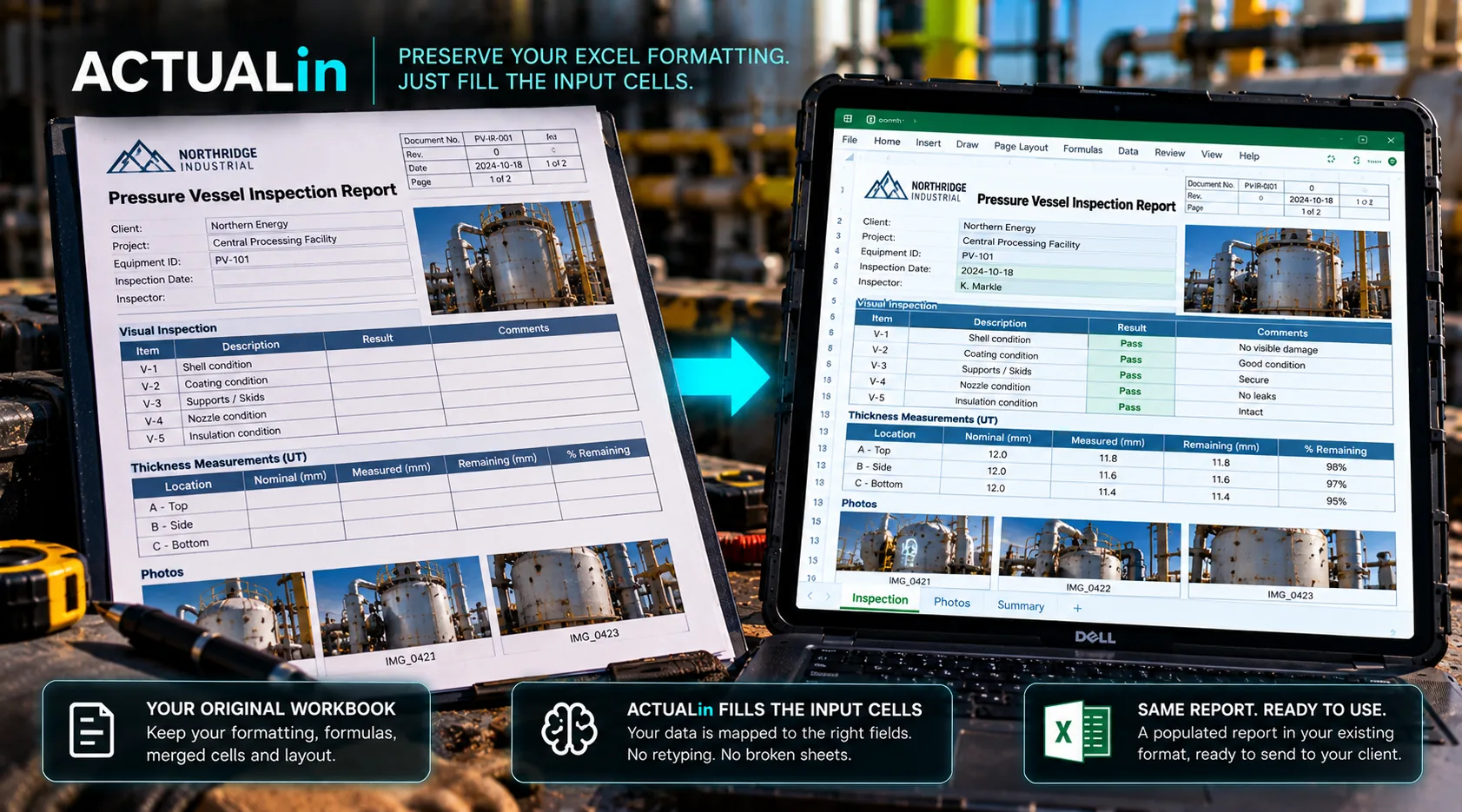
Replacing Excel can be the right decision when the workbook prevents a team from managing inspection records, collaboration or technical controls. But if customers require the existing report and the delay comes from re-entering field evidence, replacing the spreadsheet may leave the actual bottleneck untouched.
The decision should start with the work that is failing, not the age of the tool.
Which problem are you trying to solve?
Consider two hypothetical inspection teams. Team A prepares client-specific Excel reports that customers already accept. Its main difficulty is transferring measurements and photographs from field evidence into those workbooks. Team B needs a centralized history of inspections across many assets, shared approvals and cross-job analysis that cannot reasonably be managed through individual report files.
Both teams use Excel. Only one has a primary problem that may be solved by improving the evidence-to-report handoff. The other may need a database-backed inspection platform regardless of how quickly it can fill an XLSX.
These are illustrative decision cases, not claims about ACTUALin customer outcomes.
Three viable paths
Keep the workbook and improve the handoff. This fits when customer-required formulas, layouts and approval conventions are valuable, but information already captured in the field gets typed or associated again during reporting.
Replace the reporting platform. This may be appropriate when the organization needs structured inspection histories, governed collaboration, integrations or consistent workflows that the current workbook-centric process does not deliver.
Use a hybrid process. A structured system may manage operational records while Excel remains a required customer deliverable. The hybrid only helps when data moves between the systems without introducing another round of manual re-entry.
Accepted customer report → consider preserving it. Operational data and collaboration gap → consider a platform. Both needs → test a hybrid.
Compare the entire cost of each path
A replacement project can involve rebuilding templates, validating formulas, migrating historical records, training staff and gaining customer acceptance of new deliverables. Keeping Excel can involve continued manual entry, inconsistent mapping, photo handling and correction time. Neither cost is adequately captured by the software subscription alone.
For a fair comparison, time the interval from completed fieldwork to approved client report. Record duplicate entry, evidence reconstruction, review, corrections and final delivery. Separately list migration work and any continuing requirement to export into customer-specific Excel.
The Microsoft Open XML spreadsheet documentation describes the workbook structures that a preservation workflow needs to respect. The W3C provenance primer discusses connections between records and their origins. Neither source establishes which commercial approach is best for a specific team.
Use the customer's actual report as the test
Before replacing a report because automation seems difficult, try a representative workbook with its formulas, repeated sections, merged fields, images and print settings intact. Include evidence that clearly maps to one field and evidence that cannot safely be assigned without human clarification.
If an assisted workflow can produce a reviewable, structurally safe version of the required report with less duplicate effort, preserving Excel remains a viable option. If critical requirements still cannot be met, replacement may be justified. Compatibility must be verified rather than assumed for arbitrary customer files.
Existing workbook + representative evidence → review proposed changes → verify output and handling effort
Make the decision based on the constraint
Do not keep Excel simply because it is familiar, and do not replace it solely because it looks old. Decide whether the core problem is report generation, evidence transfer, shared operational data or some combination.
For the narrower case of repeated evidence handling, see why duplicate entry may be the real reporting problem. For variation between customer files, see the customer-specific workbook compatibility comparison.
The best change is the one that removes the actual constraint without losing technical information or creating another handoff.