EXCEL REPORT AUTOMATION · 8 MIN READ
Can Inspection Software Work With the Excel Template You Already Use?
Sometimes. The important question is what the software means by “supports Excel”: importing data, recreating your form, exporting to a configured template, or actually working with the workbook you already use.
For the underlying technical principles, Microsoft's Open XML technical documentation describes workbook structures and formulas, while NIST's metrological traceability guidance explains documented measurement relationships. These sources describe the underlying concepts, not ACTUALin performance.
Published September 24, 2026 · ACTUALin Technical Resources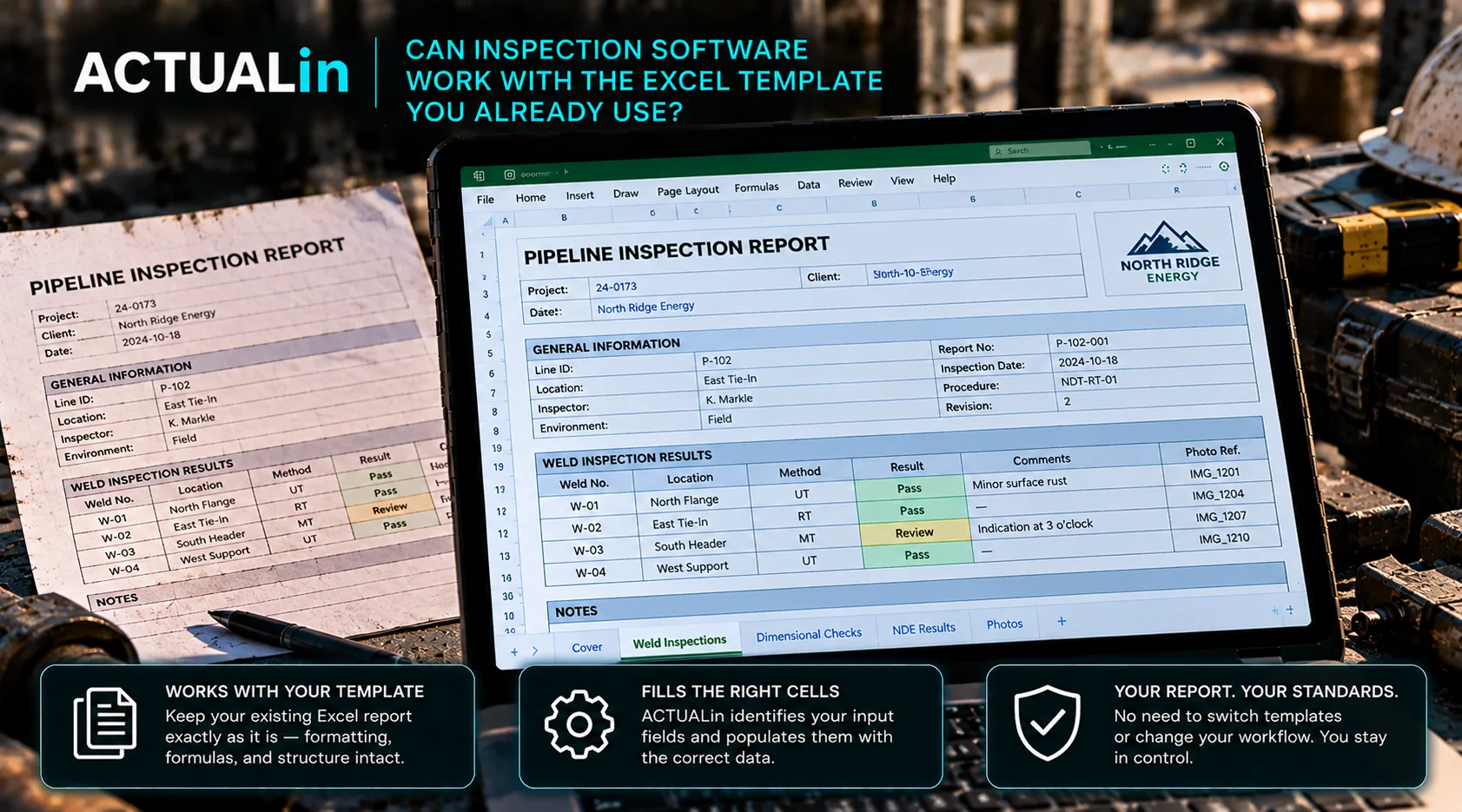
Inspection software can work with an existing Excel template when it reads the original workbook, proposes supported field changes and preserves formulas, formatting and customer-specific structure. Vendors should demonstrate that process using your actual report rather than a standard sample. Unclear mappings and technical decisions should remain reviewable instead of being silently filled.
Inspection teams often evaluate software after years of building reports in Excel. Those workbooks may already be approved internally, required by customers or adapted to specific assets and inspection methods.
Customer-required Excel reporting creates a practical constraint. A new system may improve field capture or workflow management, but if adopting it means rebuilding every established report template, the implementation work can become larger than the original reporting problem.
“Excel support” can mean several different things
Two inspection products can both say they work with Excel while offering very different workflows. One may import spreadsheet data into its own forms. Another may export collected data to an Excel file. Another may require your report to be recreated as a configured template inside the platform.
Field capture and custom-form generation are not the same as taking the existing workbook, understanding its structure and populating intended fields while preserving the workbook itself.
Approach 1: rebuild the report inside the platform
This approach can work well when the goal is standardization. The existing report becomes a reference for building a new digital form or report template, and future reports are generated from that configured system.
The tradeoff is setup and maintenance. If customers use different layouts or frequently provide their own workbooks, each variation may require additional configuration. Changes to the customer's report can also create another template-maintenance task.
Approach 2: map data into a configured export
Another approach keeps Excel as the final format but defines a mapping between structured fields in the software and known locations in an export template.
This can be efficient for stable, repeatable forms. It becomes more challenging when the workbook changes, when similar fields repeat in different sections or when the reporting operation receives many customer-specific files.
Approach 3: interpret the existing workbook directly
A different model is to treat the workbook itself as an input. The software inspects its sheets, labels, formulas, merged ranges and likely input locations, then evaluates the field evidence against that structure.
Existing customer workbook + field evidence → interpret both → review proposed changes → populate approved locations
This shifts the setup burden. Instead of manually recreating the report before automation can begin, the system has to reason about the workbook it receives.
Preserving the workbook is more than keeping the filename
If an existing template matters, ask what actually survives the process. Formulas should remain formulas. Merged structures should remain intact. Formatting, labels and authored content should not be casually regenerated or replaced.
The meaningful test is whether the resulting file is still the workbook the operation intended to use, not merely a new spreadsheet containing similar information.
What about customer-specific templates?
This is where the distinction becomes especially important. A company with one standardized report can justify substantial setup around that template. A company receiving different Excel reports from multiple customers faces a different economics problem.
If every customer workbook has to be manually rebuilt before the software becomes useful, the reporting platform can create a new form of duplicate work. Direct workbook interpretation is intended to reduce that setup layer.
What happens when a workbook is unusual?
Real Excel reports contain edge cases: repeated labels, merged cells, formulas, hidden references, blank-looking structural cells and sections that only make sense when read together.
Software should be able to surface uncertainty rather than force a mapping. When it cannot confidently distinguish between two possible destinations, human review is more useful than an automatic guess.
Questions to ask before choosing inspection software
Ask to use your own workbook during evaluation and check the following:
- Does the vendor require it to be rebuilt first?
- Which parts of the original file are preserved?
- How are formulas handled?
- What happens with merged cells and repeated fields?
- Can you review proposed changes before the file is generated?
- What happens when the system is uncertain?
Use the answers to judge compatibility with the report you actually deliver.
Also ask what happens when the customer changes the template. A workflow that performs well on a fixed demonstration report may behave very differently when real customer workbooks start arriving.
Use the real report as the acceptance test
If keeping the Excel template is important, the strongest evaluation is not a feature checklist. It is the report itself.
Take a representative workbook with the structures your team actually deals with. Add real or representative inspection evidence. Run the workflow and inspect both what changed and what did not. That shows whether the software works with your reporting process or whether your reporting process has to change to accommodate the software.