EXCEL REPORT AUTOMATION · 9 MIN READ
Excel vs Inspection Reporting Software: Do You Actually Need to Replace Your Spreadsheet?
Replacing Excel can solve real inspection workflow problems. It can also create a migration project when the spreadsheet was never the main bottleneck. Start by identifying what is actually broken.
Published September 26, 2026 · ACTUALin Technical Resources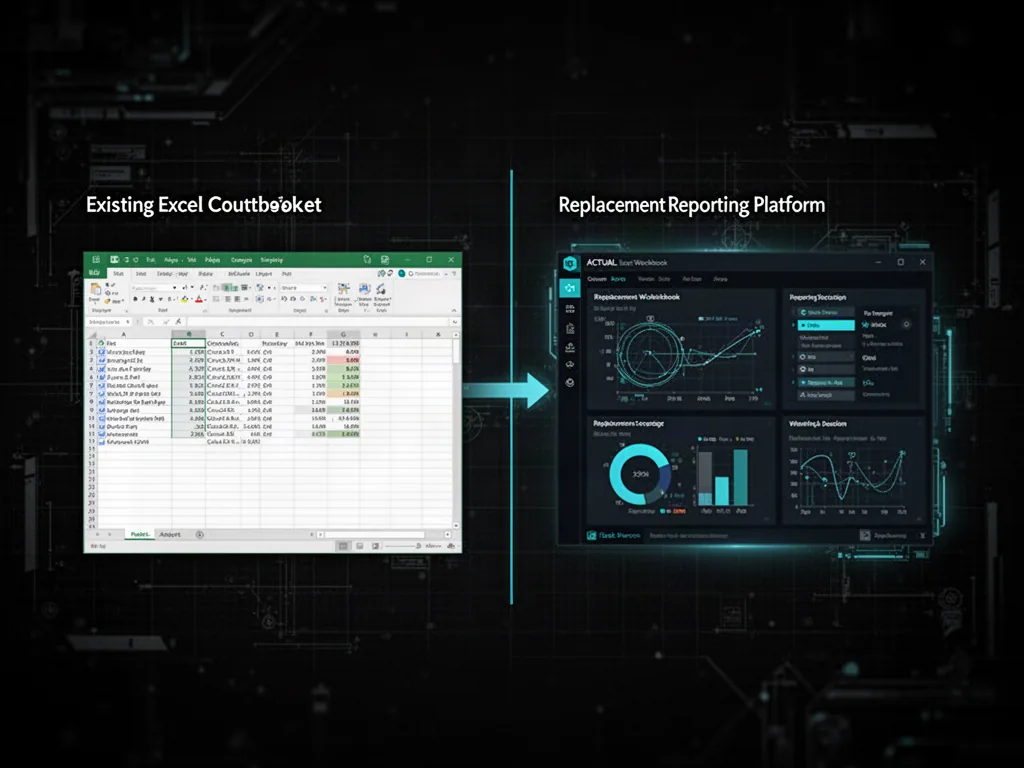
Choosing between Excel and inspection reporting software depends on where work is being lost. If the workbook is required and already meets customer needs, automating data transfer may be better than replacing it. If collaboration or workflow controls are missing, dedicated software may help, but customer deliverables still matter.
For the underlying technical principles, Microsoft's Open XML technical documentation describes workbook structures and formulas, while NIST's metrological traceability guidance explains documented measurement relationships. These sources describe the underlying concepts, not ACTUALin performance.
Inspection teams often reach the same point: reporting takes too long, information is scattered and someone proposes replacing Excel with dedicated inspection reporting software.
That can be the right move. Dedicated platforms can provide structured field capture, centralized records, standardized workflows, permissions, dashboards and collaboration that a collection of spreadsheets may not handle well.
But “we use Excel” and “Excel is the problem” are not the same statement.
If the workbook is already the required client deliverable, the larger inefficiency may be everything that happens before the file is finished: retyping field notes, moving measurements, sorting photos, finding the right report section and checking that nothing was placed incorrectly.
How can you tell whether Excel or the inspection workflow needs replacing?
Start by identifying the specific reporting failure before comparing software options. Before comparing products, write down the reporting failure you are trying to remove.
Is field data inconsistent? Are several technicians editing different copies of the same file? Is management missing visibility across jobs? Are approvals uncontrolled? Do customers require different report formats? Or is the main complaint simply that technicians spend too much time transferring evidence into an Excel report after the work is complete?
Those are different problems. They do not all require the same architecture.
When dedicated inspection software is the stronger fit
A dedicated reporting platform becomes more attractive when the organization wants to change more than report production.
If the goal is to standardize field capture across a large team, enforce one controlled workflow, centralize operational records, coordinate assignments or build analytics across structured inspection data, replacing spreadsheet-centric processes may be part of the intended transformation.
In that case, migration effort can be justified because the business is deliberately changing how the work is performed and managed.
When keeping Excel can be rational
Excel can remain a reasonable final-report format when customers already accept or require it, different clients use different templates, existing workbooks contain useful formulas and authored logic, or the organization does not want to redesign the entire field process.
The question then becomes whether the spreadsheet needs replacing or whether the manual assembly around it needs improvement.
Field evidence → duplicate entry → Excel report
can become:
Field evidence → interpretation → proposed changes → human review → existing Excel report
The deliverable remains familiar while the repetitive transfer step changes.
Customer-specific reports are an important constraint
A platform can offer an excellent internal form builder and still create extra work if customers expect their own workbook back.
One option is to recreate each customer report inside the platform and export an equivalent document. That can work well when the formats are stable and the organization is comfortable maintaining those configurations.
Another approach is to treat the customer's workbook as the destination. That shifts the technical challenge from designing a replacement form to understanding and safely populating the existing file.
Standardization has benefits and a cost
Standardized forms make software easier to configure, data easier to aggregate and training easier to control. Those are meaningful benefits.
The tradeoff is that real inspection operations may contain legitimate variation. Different methods, customers, assets and contracts can require different information or report structures.
If a software rollout requires every report to be redesigned before automation begins, the organization should include that conversion and maintenance work in the decision, not only the subscription price.
Compare the whole workflow, not just report creation
A useful comparison follows an inspection from fieldwork to delivery.
Evaluate the complete reporting workflow:
- How is evidence captured?
- Where are measurements stored?
- How are photos associated with findings?
- How does information reach the report?
- What does the reviewer approve?
- What file does the customer receive?
- What happens when the customer changes its template?
These answers show where work is being duplicated.
A platform that makes one stage faster but creates manual work at another stage may simply move the bottleneck.
What about collaboration and report history?
This is an area where persistent reporting software can offer clear advantages over unmanaged spreadsheet files. Shared workspaces, centralized history, controlled templates and team access can reduce version confusion and make completed work easier to retrieve.
Those benefits do not require the final deliverable itself to stop being Excel. A system can provide a persistent workflow around the workbook while still producing the spreadsheet the customer expects.
What about AI?
AI does not remove the architectural decision. It can help interpret field evidence and workbook context, but an unrestricted model editing a spreadsheet is not the same as a controlled reporting workflow.
For existing-workbook automation, the important questions are whether proposed changes are reviewable, whether formulas and authored content are protected, whether ambiguous mappings can be blocked and whether the final writer modifies only approved locations.
AI can reduce interpretation work without becoming the authority that silently decides the final report.
Use a replacement test and a preservation test
If you are evaluating inspection reporting software, run two thought experiments.
Replacement test: If Excel disappeared tomorrow, which operational problems would immediately improve? Would field capture become better? Would collaboration improve? Would reporting become more consistent? Would analytics become possible?
Preservation test: If you kept the existing Excel deliverable but eliminated most of the retyping, photo sorting and manual report assembly, how much of the current pain would remain?
The answers help separate a spreadsheet problem from a workflow problem.
Do not evaluate with a demonstration form
Whatever approach you consider, test it against the reporting conditions that actually cost time.
Use a customer-specific workbook. Include repeated sections, formulas, merged cells and representative field evidence. Include the photos that normally have to be placed manually. Ask what happens when a mapping is ambiguous.
A clean demo can prove that software works. A messy real report proves whether it works for your operation.
You may not need an all-or-nothing decision
The choice is not always “stay in Excel forever” versus “replace every spreadsheet.” A company can improve field capture while retaining customer Excel outputs. It can centralize report history while preserving existing templates. It can automate repetitive workbook population while leaving technical judgment with the reviewer.
The useful architecture is the one that removes the expensive part of the current workflow without forcing unnecessary change elsewhere.
So, should you replace Excel?
If the spreadsheet itself is preventing standardization, collaboration, structured capture or operational visibility that the business needs, replacement may be part of the solution.
If the workbook is already an accepted deliverable and the main problem is the labor required to turn field evidence into that workbook, replacing it may be solving the wrong layer.
Identify the bottleneck first. Then choose whether the better move is to replace the report, improve the workflow around it or combine both approaches.