 ACTUALin
EXCEL REPORT AUTOMATION · 8 MIN READ
Can AI Fill an Existing Excel Report Without Changing the Workbook?
Yes, but the difficult part is not generating spreadsheet data. It is knowing exactly what can change inside an existing workbook, what must remain untouched, and when the AI should refuse to guess.
Microsoft's Open XML documentation explains the structure and behavior of Excel files; the W3C provenance model explains relationships between information and its origins.
Published September 24, 2026 · ACTUALin Technical Resources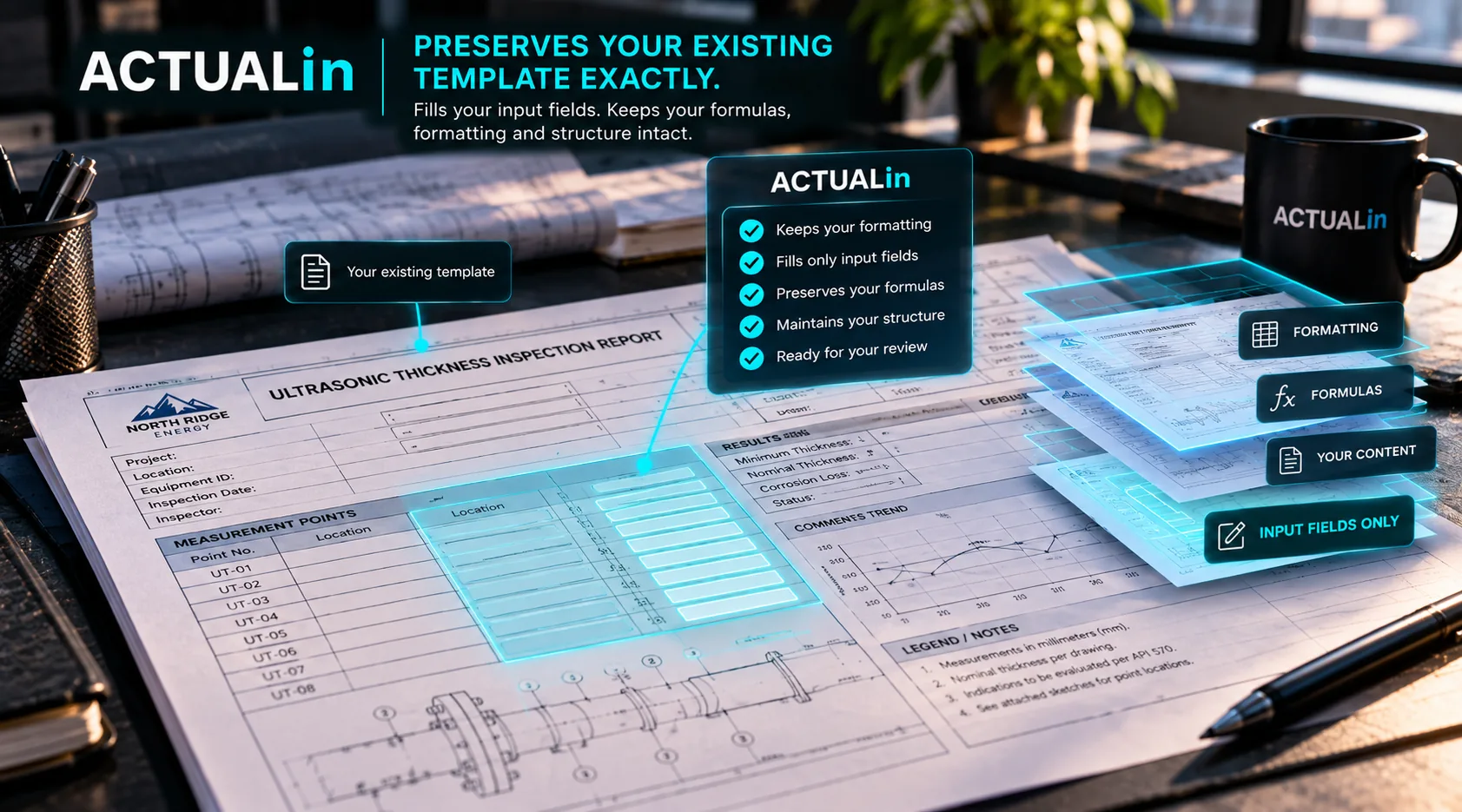
AI can help fill an existing Excel report by interpreting source evidence and proposing values for specific writable cells. Reliable systems protect formulas, existing entries and workbook formatting, and require review before generation. The key distinction is using AI to identify supported changes, not allowing it to freely rebuild or rewrite the spreadsheet.
AI can interpret notes, measurements and other evidence well enough to assist with report preparation. That does not mean the safest approach is to ask an AI model to create a new spreadsheet or rewrite an existing one freely.
For technical reporting, the workbook may already contain customer-approved formatting, formulas, merged cells, repeated sections and authored content. If the goal is to preserve that report, AI should help decide what information belongs where while a controlled workbook-writing layer handles the actual changes.
Can AI fill an existing Excel report without damaging it?
AI can help fill an existing workbook when proposed changes are reviewed and deterministic writing protects its structure. An existing Excel report does not label every cell as safe or unsafe for automation. Some blank cells are intended for technician input. Others are spacing, merged children or intentionally unused. Nonblank cells may contain labels, formulas, previous values or authored instructions.
A system that only understands the visible text can produce a workbook that looks plausible while changing something it should have protected.
Separate interpretation from workbook writing
AI is useful for interpretation: understanding evidence, recognizing likely field meaning and proposing associations between source information and report fields. Workbook modification is a different job and should be governed by explicit rules.
AI interprets evidence and workbook context → proposed changes are reviewed → controlled writer modifies approved locations only
Separating evidence interpretation from Excel writing reduces the amount of authority given to the model. The AI can propose that a measurement belongs in a particular field without receiving permission to rewrite whatever it wants in the workbook.
Formulas should be treated as protected logic
Many technical reports calculate totals, derived values, compliance results or other outputs with formulas. Those cells are part of the workbook's authored logic, not empty destinations waiting for AI-generated content.
A preservation-first system should identify formula cells and exclude them from ordinary writes. If an input changes, Excel can recalculate the dependent formula rather than replacing the formula itself with a generated value.
Merged cells need structural awareness
Merged areas are another reason cell-by-cell automation can fail. A merged region may visually appear to be one field even though the workbook represents it as a master cell with additional merged coordinates.
Writing blindly into a merged child can damage the intended structure or simply fail. The automation layer needs to understand the merged range and target the legitimate input location.
Formatting is part of the report
Fonts, fills, borders, number formats, column widths and layout are not always cosmetic. They can distinguish input areas, separate inspection sections or satisfy a customer-specific reporting format.
If a system regenerates the workbook from extracted data, preserving all of those details becomes a reconstruction problem. Modifying the original workbook in targeted locations avoids creating that problem in the first place.
Existing content should not be overwritten casually
A nonblank field deserves different treatment from an empty intended input. It may contain authored information or a value that requires deliberate replacement. Automation should not silently overwrite it just because new evidence appears relevant.
That means replacement needs explicit authorization rather than being a side effect of a confident AI match.
What happens when the AI is unsure?
This is where technical report automation differs from ordinary text generation. Completing every field is not the objective. Correct association is.
If two repeated sections could both plausibly receive the same measurement, or the evidence does not contain enough context to identify the destination, the safer result is to block or flag the change for human review.
A wrong confident association is worse than a visible blank.
Human approval should happen before generation
Review is more useful when it happens at the proposed-change level. Instead of discovering an error after a completed workbook has been generated, the user can see the destination field and proposed value before accepting the write.
That keeps technical judgment with the person responsible for the report while allowing AI to remove much of the repetitive interpretation and transcription work.
So can AI preserve the workbook?
Yes, if the architecture is designed around preservation. The AI should not be treated as an unrestricted spreadsheet editor. It should be one part of a controlled workflow that understands the workbook, proposes changes, requires review and writes only to approved locations.
That distinction is what makes AI-assisted Excel reporting useful for established technical reports: the intelligence can change while the customer's workbook does not have to.