 ACTUALin
NDT REPORTING · 8 MIN READ
NDT Excel Report Templates: Automate the Data Entry, Not the Template
An established NDT Excel template is not automatically a legacy problem. If the report already satisfies the customer and the reporting process, the repetitive work required to populate it may be the better target for automation.
For the underlying technical principles, Microsoft's Open XML technical documentation describes workbook structures and formulas, while NIST's metrological traceability guidance explains documented measurement relationships. These sources describe the underlying concepts, not ACTUALin performance.
Published September 25, 2026 · ACTUALin Technical Resources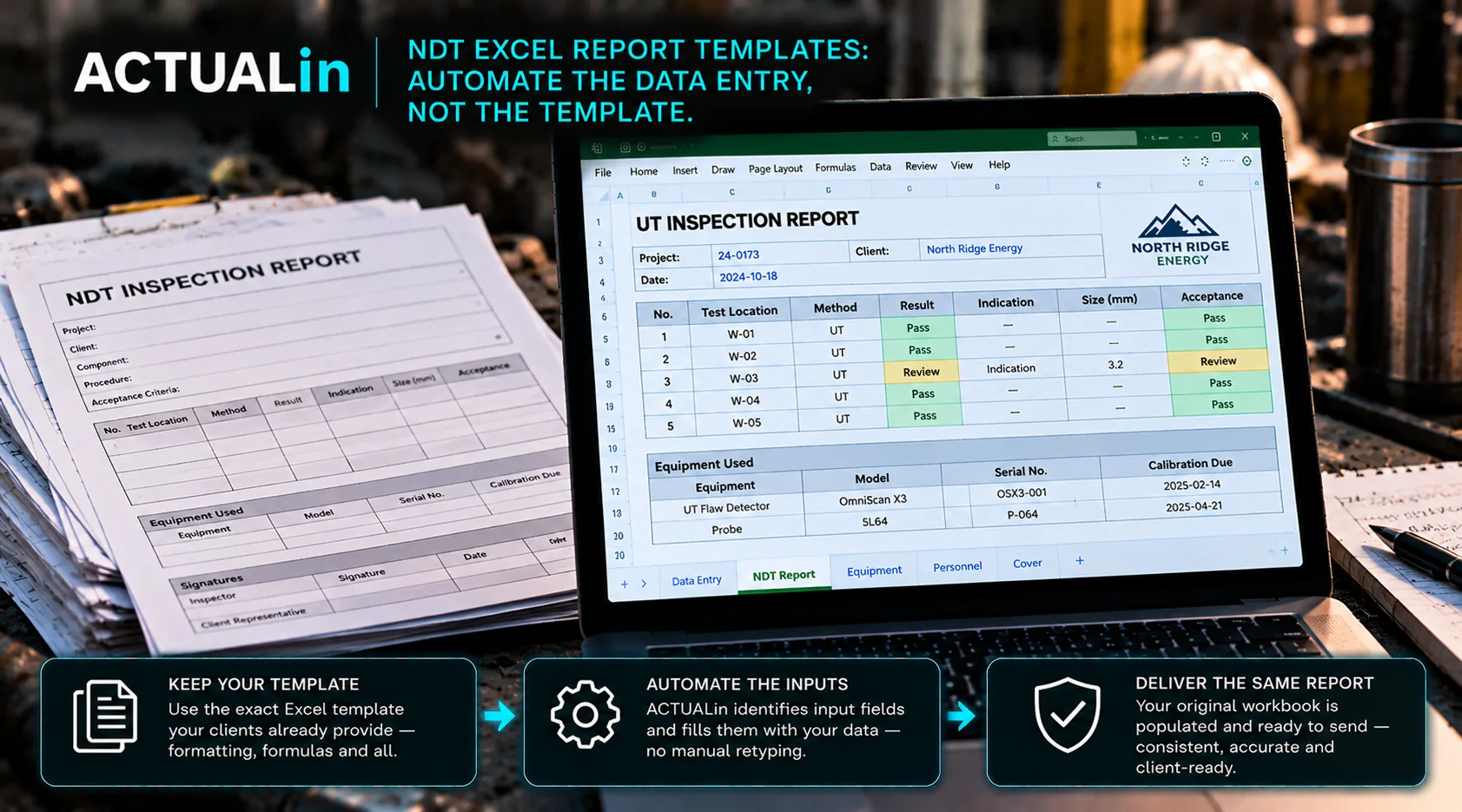
NDT Excel report templates can be retained while repetitive data entry is automated. The system can use field evidence to propose entries into the original workbook, preserving customer formatting and existing formulas. This approach helps teams keep their required reporting format without turning every new inspection or customer template into a manual reconstruction exercise.
NDT teams use Excel report templates for a practical reason: reports need structure, but the required structure is not always identical from one customer, method or job to another. A workbook can be adapted without building an entirely new reporting system.
Over time, those templates often become part of the operation. They contain company information, customer fields, inspection sections, formulas, acceptance information, technician inputs and formatting that reviewers recognize.
When reporting becomes slow, it is tempting to treat the template itself as the thing that needs replacing. Sometimes it does. But often the larger inefficiency is how much information has to be manually transferred into it after the inspection.
What is the difference between an NDT Excel template and the reporting workflow?
The template defines the required output; the reporting workflow determines how field evidence reaches it. The template defines the final document. The workflow defines how information gets there.
A team can have a perfectly acceptable Excel report and still have an inefficient reporting process. Measurements may be recorded separately. Observations may be captured in field notes. Photos may need to be sorted afterward. Job information may be copied from another system. Then someone assembles all of it inside the workbook.
Existing NDT template + field evidence → manual transcription and assembly → review → client report
If the final workbook is already doing its job, replacing it does not necessarily remove the expensive part of that sequence.
When rebuilding the template makes sense
There are legitimate reasons to redesign a report. A company may want standardized forms across every branch, stronger structured-data capture or a completely new digital reporting process. An old workbook may also contain unnecessary complexity that the business no longer wants.
In those cases, rebuilding the template is part of a broader workflow change and can be worthwhile.
But that is a different objective from reducing duplicate entry. If the customer requires a specific workbook, or if the existing report is already approved and familiar, rebuilding it can introduce configuration work without solving the original reporting bottleneck.
Customer-provided templates change the equation
NDT contractors do not always control the report format. A customer may provide an Excel workbook and expect the completed file back in substantially the same structure.
Customer-specific Excel deliverable requirements make template replacement less attractive. Recreating each customer workbook inside another platform can turn every new format into a setup project.
A system that can interpret the workbook itself approaches the problem differently: the customer template remains the destination, while the work required to populate it becomes the automation target.
What should be protected inside an NDT workbook?
An NDT Excel template may contain more than obvious input fields. Formula cells can calculate derived results. Merged regions can define the visual structure. Existing text can contain instructions, acceptance criteria or authored labels. Number formats can affect how readings appear.
Automation should therefore distinguish between places intended for technician input and content that belongs to the workbook itself.
Preserving the template means more than producing something that looks similar. It means avoiding unnecessary changes to the formulas, formatting, merged structures and authored logic already present.
Repeated sections make simple template filling risky
NDT reports often contain repeated fields for multiple locations, components or test areas. The same label may appear several times on one sheet.
A basic field-name mapping can identify that a value belongs to a field called “Result” without knowing which result field is correct. Reliable automation needs the surrounding evidence and workbook context to distinguish those repeated destinations.
If that context is insufficient, the system should surface the ambiguity for review rather than force an answer.
Automate the transfer, keep the technical judgment
Reducing data entry does not require removing the technician or reviewer from the process. A useful workflow can interpret field evidence, propose where information belongs and let a person approve or reject those proposed changes before generation.
Field evidence → interpret against NDT template → proposed changes → technician review → approved workbook writes
The repetitive transcription can shrink while the person responsible for the report retains control over what is accepted.
Photos belong in the same conversation
Photo evidence can create another manual layer around an otherwise structured report. Images are captured in the field, then later matched to an indication, component or report section and inserted into the workbook.
If photos are part of the required Excel report, the goal should be the same as with measurements: preserve their connection to the evidence they support and reduce the need to reconstruct that relationship during report assembly.
Do you need one universal NDT template?
Not necessarily. Standardization can simplify reporting, but many operations work across different customers and methods where variation is real.
Automation that only works after every workbook has been standardized moves part of the burden upstream. Automation that can reason about different existing templates has a harder technical problem to solve, but it can fit operations where report variation cannot simply be designed away.
Use your hardest real template as the test
If you are evaluating NDT report automation, do not begin with a perfectly clean demonstration workbook. Use a representative report that contains the structures your technicians actually encounter: repeated sections, formulas, merged cells, customer-specific fields and supporting evidence.
Then inspect both sides of the result. Did the right information reach the right locations? And did the parts of the workbook that were supposed to remain untouched actually remain untouched?
The goal is not to automate Excel for its own sake
The useful outcome is less reporting work between the inspection and the deliverable. If an existing NDT template already satisfies the people receiving the report, it can remain the destination.
The opportunity is to stop treating every completed inspection as a reason to manually rebuild the same information inside that template.