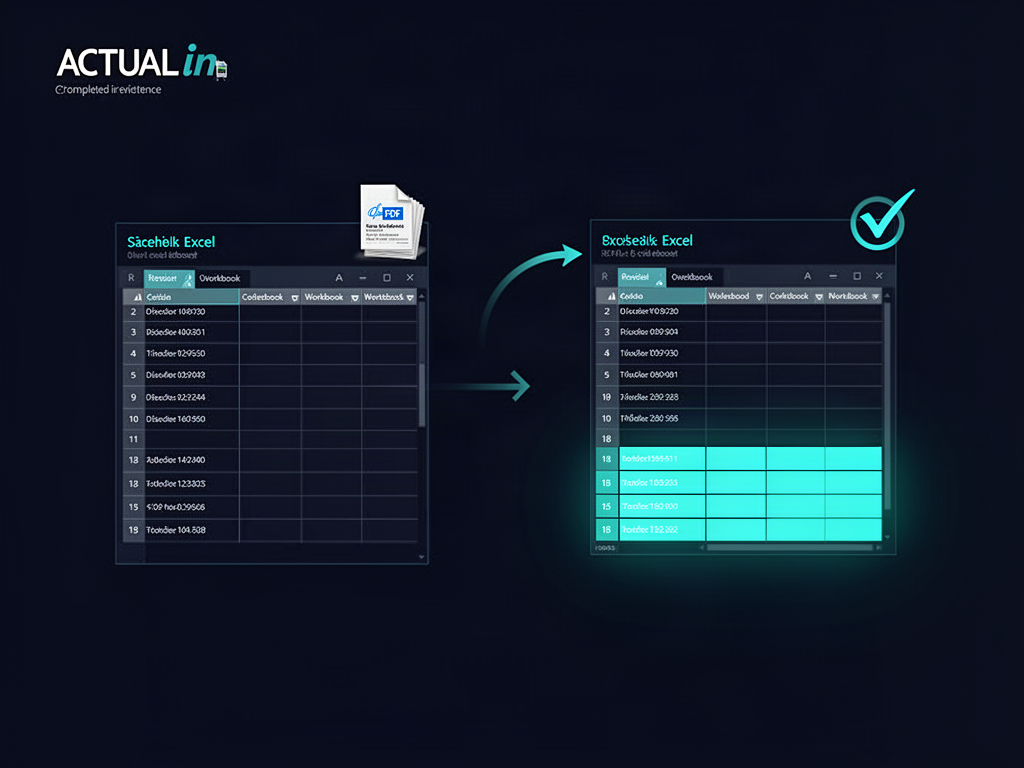
Keep working in the same report. Leave its history intact.
An Excel report doesn't stop being useful when you generate it. Here is what happens when new invoices arrive after a completed workbook is already saved: reopen it, associate only the new evidence, approve safe additions and decide when the updated version replaces the current library entry.
18Previously completed purchase lines
+5New purchase lines after review
60New evidence-grounded approved cells
0Original purchase cells changed
CONTINUATION-ONLY WALKTHROUGH
What happens after the first report is completed?
Six steps follow the saved workbook into the next reporting cycle. The separate Inventory & Material Records demo covers the initial blank-to-populated phase.
REPORT LIBRARY · SAVED REPORT A
METAL_PDF_002_BLANK_REGISTER_POPULATED.xlsx18 purchases · original workbook structure · saved result
18 rows treated as existing history Previous result remains available
Illustrative library summary using the actual verified Report A file.
IN PRACTICE
Generation and replacing a library version are separate decisions.
Appending reviewed source data produces a new workbook. It does not silently replace the stored current report, erase the old report or revise historical cells. The reviewer explicitly chooses when the new result becomes the library's current version.
A separately generated version can remain unfiled until the user selects the update action. Report History keeps earlier workbooks and audit records.
No automatic historical overwrite Technician approval before generation Explicit promotion to current library version Previous versions remain accessible
Synthetic test evidence. This guided reconstruction uses exact verified XLSX and PDF source files; it does not reproduce the original live approval session or a specific library-promotion event.
 ACTUALinStart free